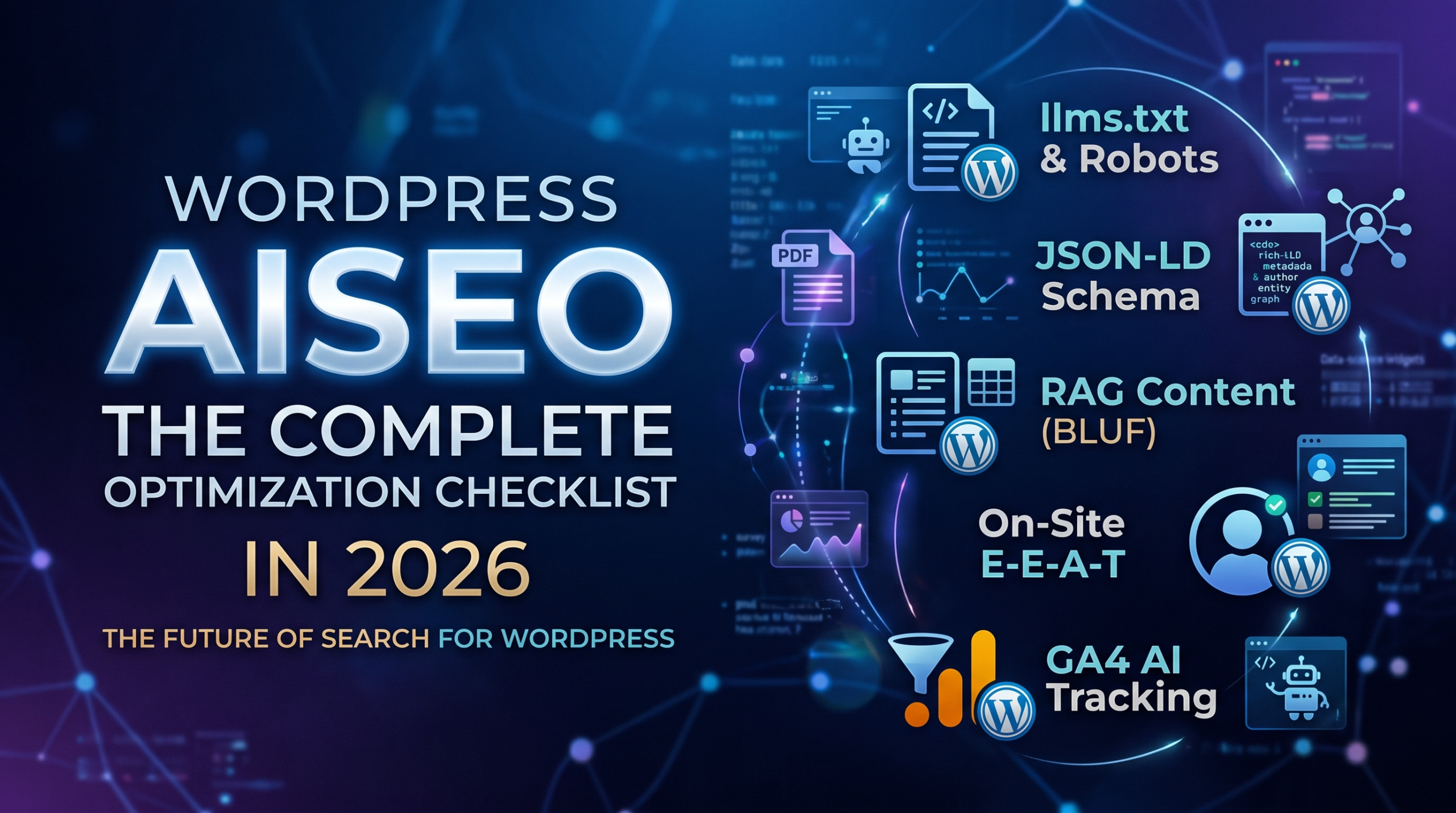
comprehensive AISEO (Generative Engine Optimization) checklist requires optimizing for algorithmic citation, retrieval-augmented generation (RAG) ingestion, and autonomous agent navigation alongside traditional search signals.
WordPress Technical Stack & Bot Access
- Serve a Native
/llms.txtFile:- Upload a clean Markdown file (
llms.txt) directly into your WordPress root directory (public_html/) via SFTP, SSH, or your host’s file manager. - Alternatively, register a custom virtual endpoint using
add_rewrite_rule()and thetemplate_redirecthook in your theme’sfunctions.phpto generate/llms.txtdynamically from your site’s published post titles and excerpts.
- Upload a clean Markdown file (
- Configure the Virtual
robots.txtfor AI Crawlers:- Avoid hard-blocking AI bots through legacy firewall rules.
- Use your SEO plugin (Rank Math, Yoast, or SEOPress) or hook into the native
robots_txtfilter infunctions.phpto explicitly permit access to generative bots:
User-agent: GPTBot
Allow: /

User-agent: PerplexityBot
Allow: /

User-agent: ClaudeBot
Allow: /- Configure Advanced JSON-LD Schema:
- Enable granular schema mapping in Rank Math Pro, Schema Pro, or Yoast.
- Set default post types to
ArticleorTechArticle, and populate thesameAsarray for authors and organizations with links to their LinkedIn profiles, Wikipedia/Wikidata entries, and professional associations. - Implement
FAQPageorHowToschema blocks natively inside the block editor for modular questions.
- Strip Page Builder DOM Bloat:
- Heavy visual page builders (legacy Elementor, Divi) wrap text inside deep, nested
<div>structures that inflate token counts for lightweight crawlers. - Migrate content areas to native WordPress Block Editor (Gutenberg) core blocks (
core/paragraph,core/heading,core/list,core/table) or lightweight block frameworks (GenerateBlocks, Spectra) to produce semantic, clean HTML.
- Heavy visual page builders (legacy Elementor, Divi) wrap text inside deep, nested
- Audit the WordPress REST API Endpoints:
- Verify that
/wp-json/wp/v2/postsand/wp-json/wp/v2/pagesare accessible to external crawlers (ensure security plugins like Wordfence or iThemes Security are not unintentionally blocking unauthenticatedGETrequests to public endpoints).
- Verify that
Block-Level Content Formatting for RAG Ingestion
- Build a Reusable “BLUF” Gutenberg Pattern:
- Create a synced Block Pattern consisting of a container with a subtle background border placed directly under your opening
core/heading(H2). - Use this box to deliver a direct, 40- to 60-word answer block to the section’s core query before diving into supporting context.
- Create a synced Block Pattern consisting of a container with a subtle background border placed directly under your opening
- Replace Images of Data with Native Table Blocks:
- Avoid uploading screenshots of comparison charts, matrices, or pricing tables.
- Use the native Gutenberg
core/tableblock or plugins like TablePress to generate raw<table>,<thead>, and<tbody>HTML markup, allowing RAG scrapers to parse row-and-column relationships directly.
- Use the Core Details Block for Complex Explanations:
- Use the native
core/detailsblock (<details>and<summary>) to provide deep technical documentation, source citations, or background data without cluttering the primary human reading path.
- Use the native
- Enforce Conversational Heading Hierarchies:
- Format all
H2andH3heading blocks as conversational, prompt-based queries (e.g., “How does X handle Y?” instead of generic topic titles like “Features”).
- Format all
On-Site E-E-A-T & Author Authority
- Automate Detailed Author Bio Boxes:
- Ensure your theme uses standard
the_author_meta()calls or an author box plugin (such as Simple Local Avatars or Molongui) to output the author’s name, credentials, and full bio markup on every single post. - Ensure the author’s archive page (
/author/username/) lists their verified credentials, professional background, and external outbound profiles.
- Ensure your theme uses standard
- Implement Custom Meta Fields for Empirical Data via ACF:
- Use Advanced Custom Fields (ACF) or Meta Box to attach structured metadata to reviews and case studies (e.g.,
test_date,dataset_size,sample_n,hardware_version). - Display these fields in a standardized meta-card at the top of posts to explicitly verify first-person testing and empirical methodology.
- Use Advanced Custom Fields (ACF) or Meta Box to attach structured metadata to reviews and case studies (e.g.,
- Embed Native Transcripts for Audio/Video:
- When embedding self-hosted audio or YouTube videos in posts, insert the complete verbatim transcript inside an accordion or expandable block directly beneath the media player.
Bot Visibility & Traffic Analytics Setup
- Configure Custom GA4 AI Search Channels:
- In Google Analytics 4, navigate to Admin > Data Settings > Channel Groups and create a dedicated channel group titled “AI Engine Referrals”.
- Add regex source matching for generative engines:
.*(chatgpt|perplexity|claude|gemini|copilot).*
- Monitor Server Logs for AI Crawlers:
- In your hosting dashboard (cPanel, Cloudflare, Kinsta, or WP Engine), review raw access logs to verify that
GPTBot,PerplexityBot, andClaudeBotare receiving200 OKresponses rather than403 Forbiddenor429 Too Many Requestsstatus codes.
- In your hosting dashboard (cPanel, Cloudflare, Kinsta, or WP Engine), review raw access logs to verify that
- Audit Cloudflare Bot Management Rules:
- If using Cloudflare in front of WordPress, inspect your Security > Bots settings. Ensure that “AI Scrapers and Crawlers” are set to Allow or Managed Challenge rather than a flat Block on informational pages.
Optimizing WordPress for generative search requires a fundamental shift in how site architecture is valued. For over two decades, the platform was engineered to satisfy human eyes and classical Googlebot crawlers, often at the expense of severe DOM bloat, nested shortcodes, and overlapping plugin stacks. In the era of Retrieval-Augmented Generation, AI crawlers do not browse visual aesthetics—they parse raw HTML for structured, verifiable information. A winning WordPress AISEO strategy is not solved by installing a single plugin; it demands an infrastructure-first mindset where server reachability, clean Gutenberg block markup, and explicit entity schemas operate in unison.
The websites that command authority across AI answer engines will be those that treat WordPress as both an owned publication platform and an accessible data endpoint. By stripping away page-builder overhead, opening crawler permissions, serving standardized machine indexes like llms.txt, and adopting answer-first content hierarchies, publishers ensure their insights survive the transition from organic blue links to synthesized AI citations. The goal is no longer just winning the click, but becoming the indispensable primary source that autonomous models trust, retrieve, and cite.
Leave a Reply